

Tornado Installation Guide
System Requirements
Hardware Requirements
Section titled “Hardware Requirements ”- CPU: 2 cores or more
- RAM: 4 GB minimum (8 GB recommended)
- Storage: 1 GB free space minimum
- Internet Connection: Required
Software Requirements
Section titled “Software Requirements ”- Operating Systems:
- Windows 8.1 or later
- macOS 10.15 or later
- Linux (Ubuntu 20.04 or later)
- WebView2 Runtime (Windows only - automatically prompted if needed)
- Administrator privileges (optional)
Download Process
Section titled “Download Process ”1. How to get Tornado
Section titled “1. How to get Tornado ”- Existing customers can download it via the Tornado Preview button in the Main Menu of the AIR console.
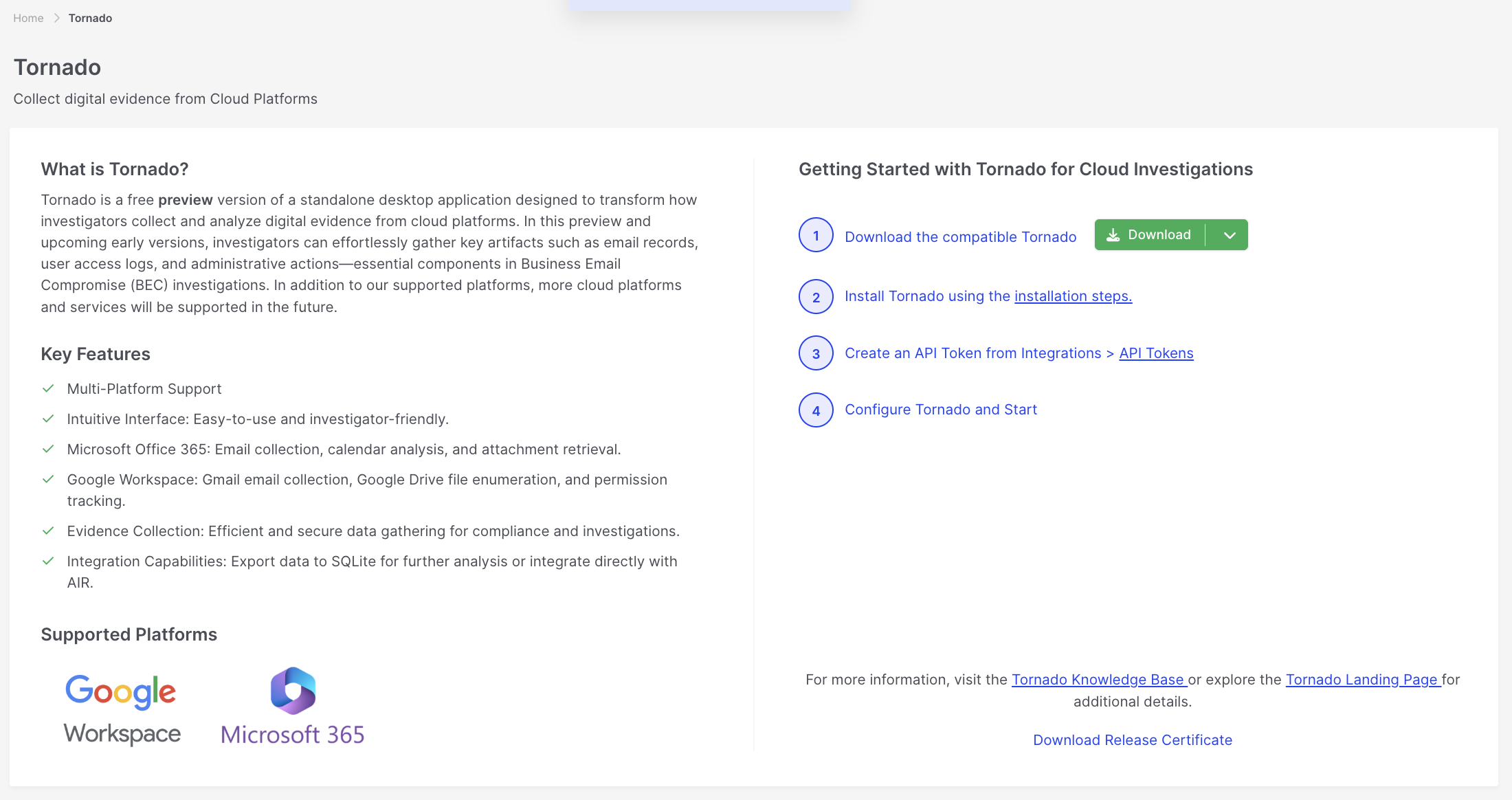
Tornado Installation Guide: Download guide
- Non-AIR customers can download Tornado through this landing page.
- Navigate to the Tornado download section
- Select your operating system version:
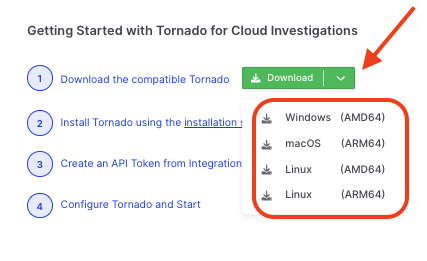
Tornado Installation Guide: Download binary
- Download the appropriate package:
- Windows: .exe (standalone executable)
- macOS: .dmg
- Linux: binary file
2. Verify the Download
Section titled “2. Verify the Download ”- Check file integrity
- Ensure complete download
- Store in a permanent location
Installation Steps
Section titled “Installation Steps ”Windows
Section titled “Windows ”-
Tornado Setup
- No installation required
- Place the .exe file in the desired location:
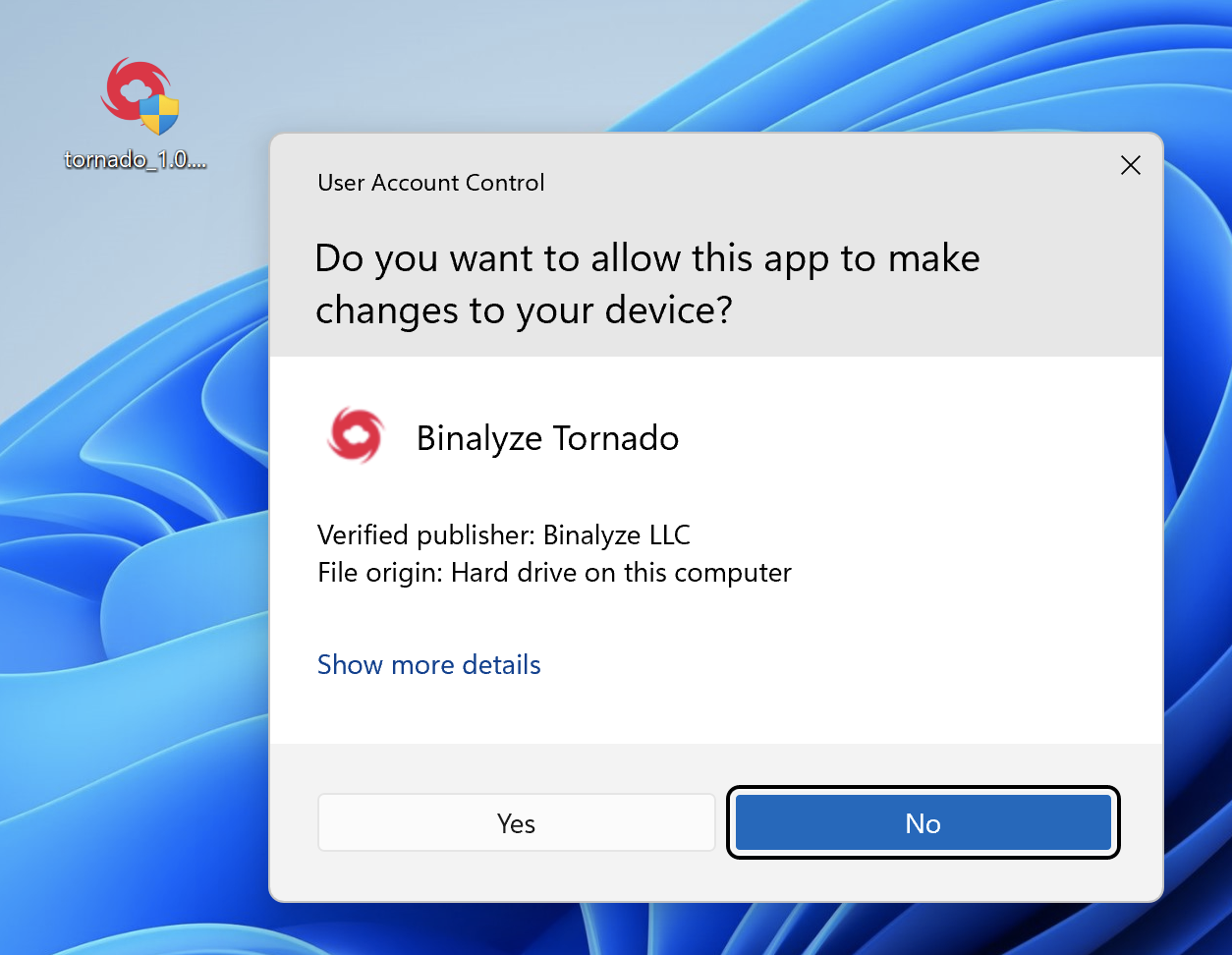
Tornado Installation Guide: Tornado run on a Windows Desktop
- Create a shortcut (optional)
- Run directly from any location
- First Launch
- Double-click the .exe file
- If WebView2 Runtime is missing:
- An automatic prompt will appear
- Follow the WebView2 installation process
- Tornado will restart automatically
- The application starts after WebView2 checks
- WebView2 Note
- Automatically detected and prompted
- No manual download is needed
- One-time setup process
- Required only for Windows 8.1 and 10
macOS
Section titled “macOS ”-
Open the Package
- Double-click the .dmg file
- Drag Tornado to the Applications folder:
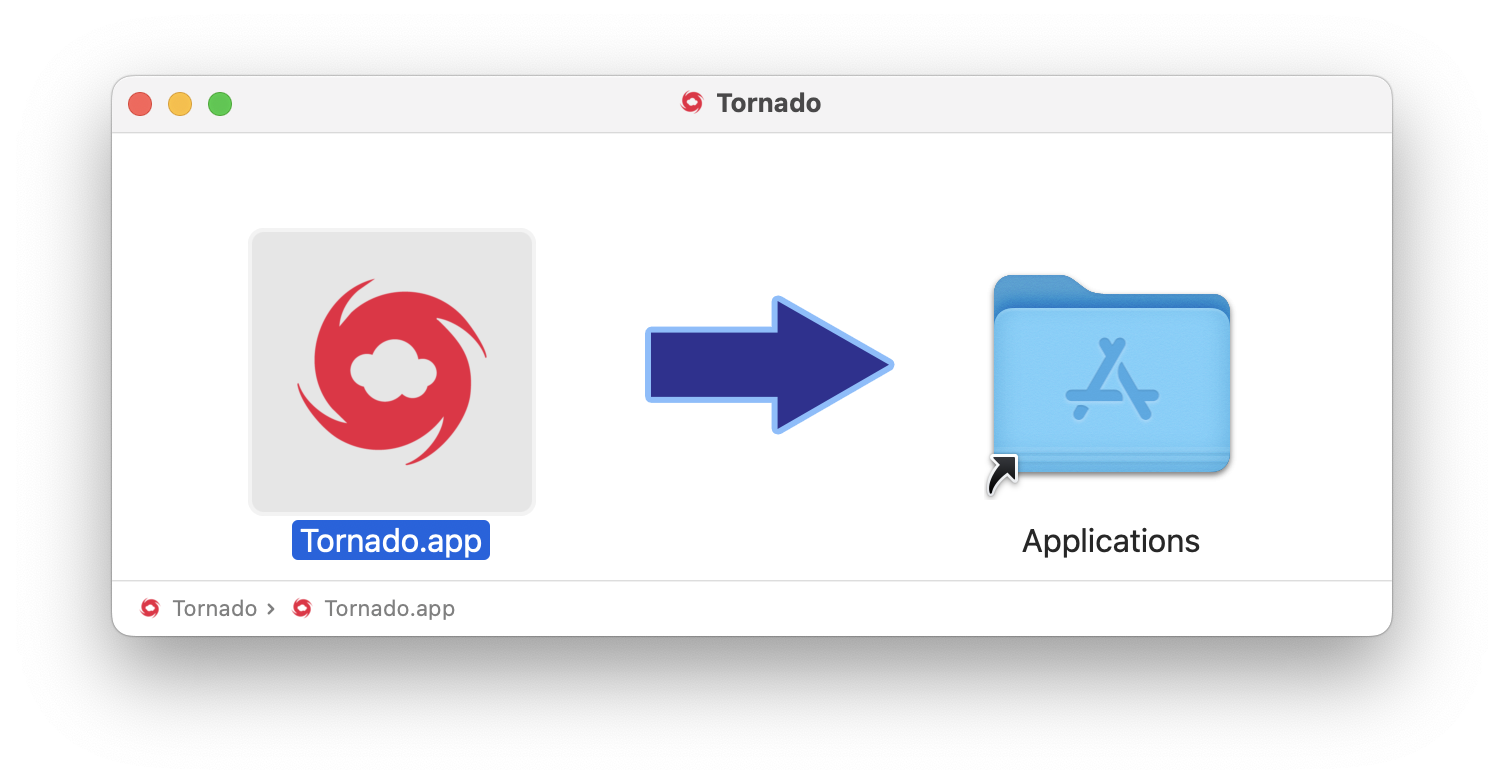
Tornado Installation Guide: Drag Tornado to the Applications folder
- Verify app installation:
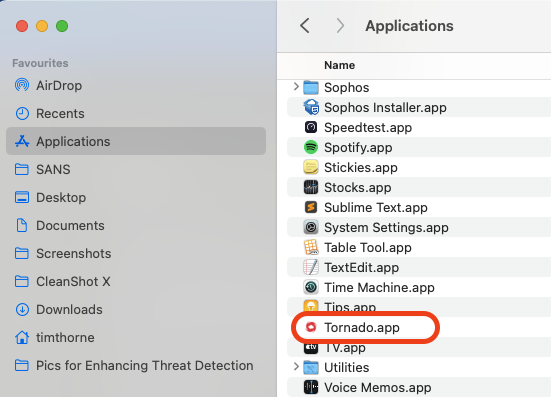
Tornado Installation Guide: Applications Folder
-
Security Settings
- Open System Preferences
- Navigate to Security & Privacy
- Allow Tornado to run (first launch)
-
First Launch
- Launch from the Applications folder or Launchpad
- Grant necessary permissions
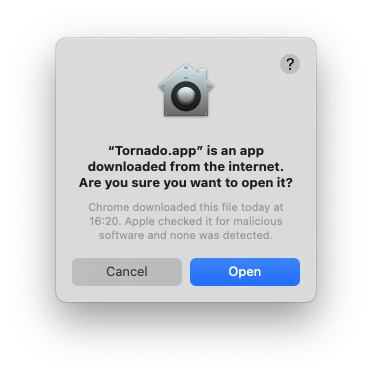
Tornado Installation Guide: Grant Permissions
Linux
Section titled “Linux ”-
Binary Setup
# Navigate to download directory cd ~/Downloads # Make binary executable chmod +x ./tornado # Move to a permanent location (optional) sudo mv tornado /usr/local/bin/ # Run Tornado ./tornado