

biunzip
- You can download the latest release of biunzip from the releases section on GitHub.
- Biunzip will either unzip a single zip file or unzip zip files in a directory using a CSV file.
- This capability will enable running off-network investigations at scale and speed with minimal effort.
Below, we walk through the process
1) Download biunzip from GitHub.
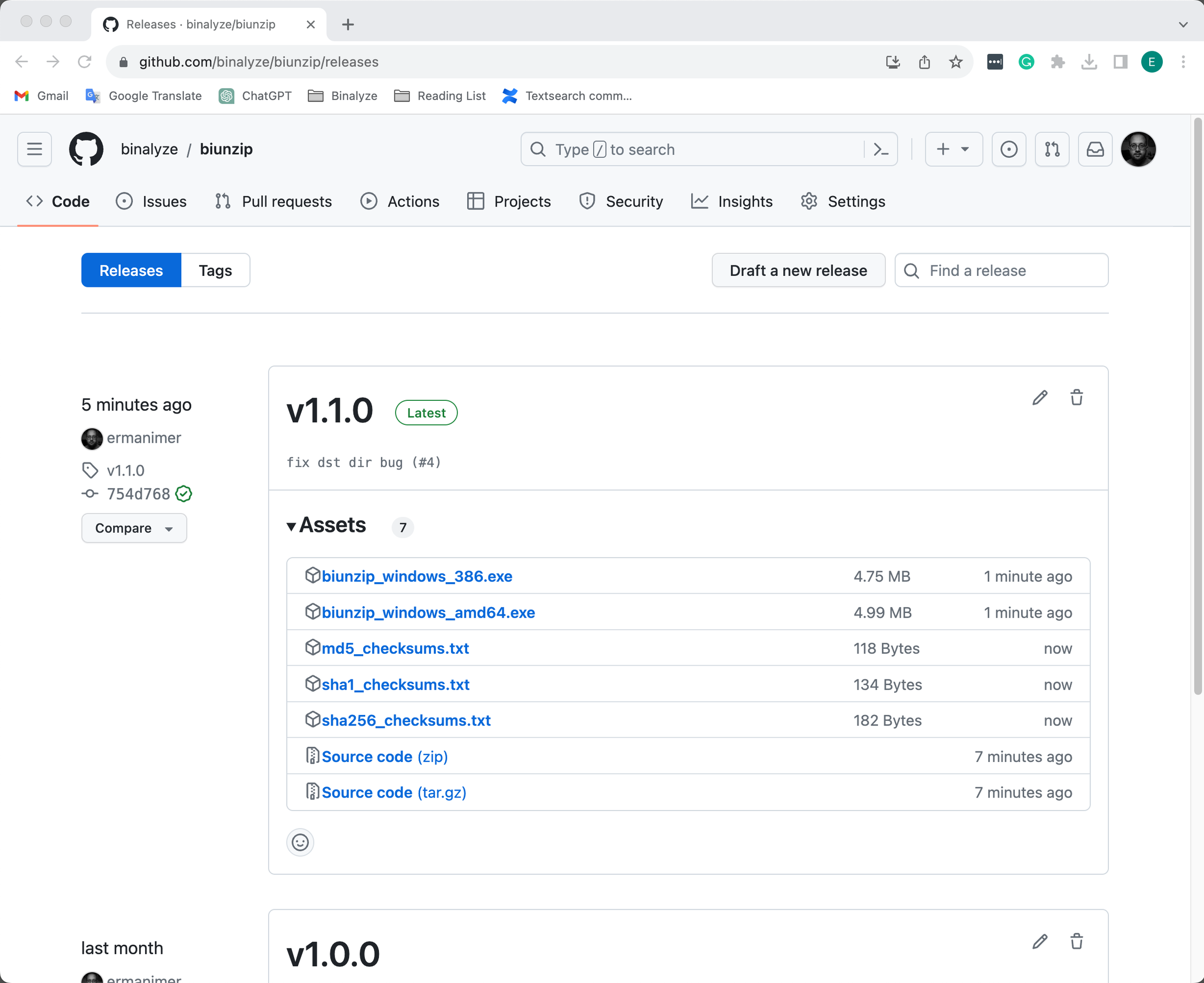
biunzip: GitHub repository
2) Import off-network zipped files to a machine with AIR console access and the biunzip utility:
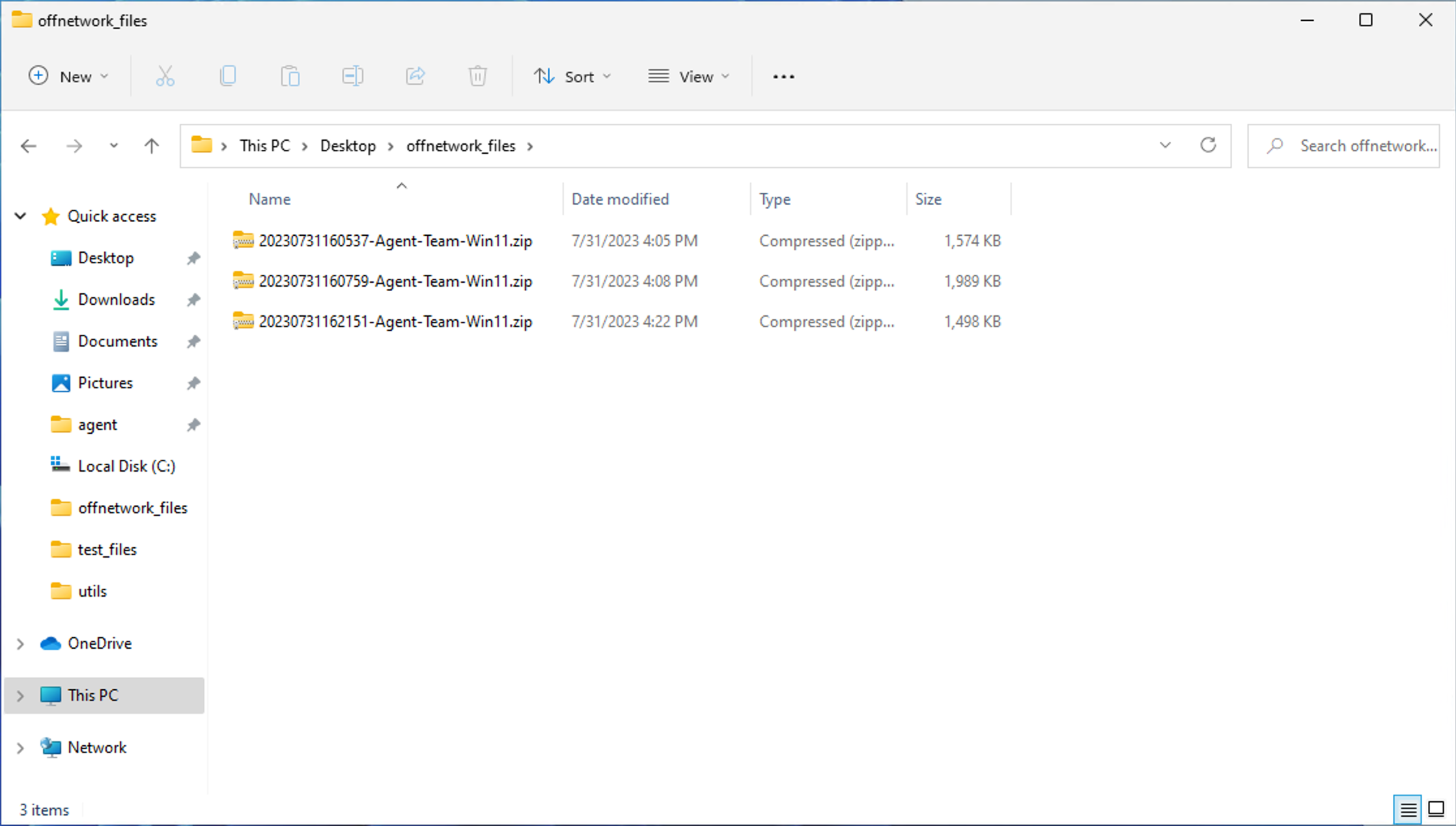
biunzip: Imported off-network collected files
3) Import off-network files into AIR (with acquisition password if the files are encrypted):
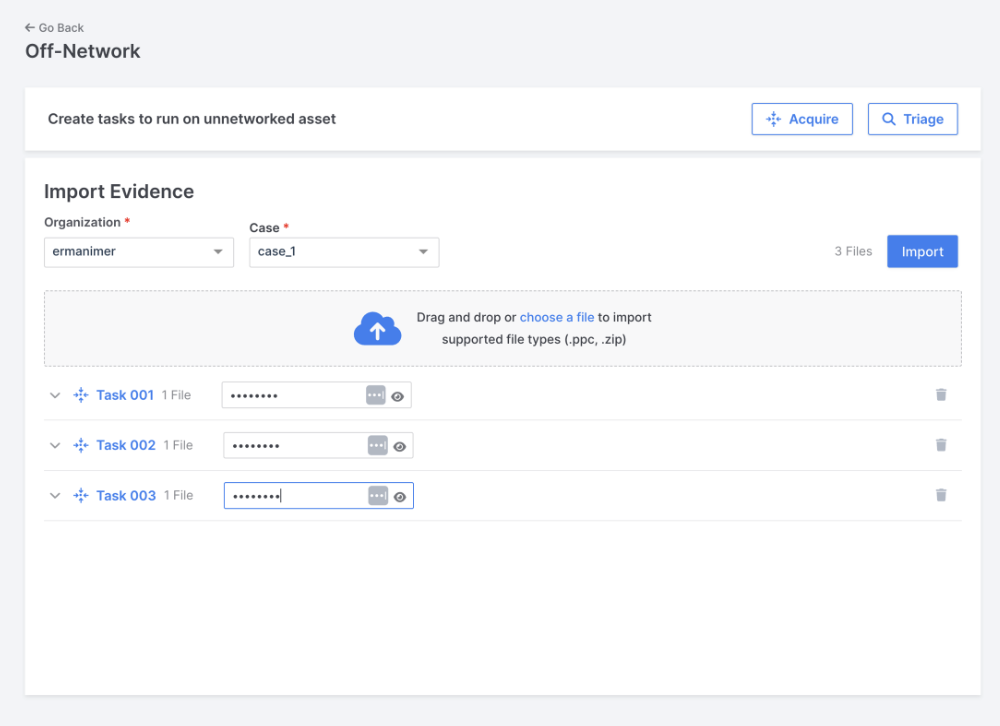
biunzip: Import Evidence
4) Export the passwords:
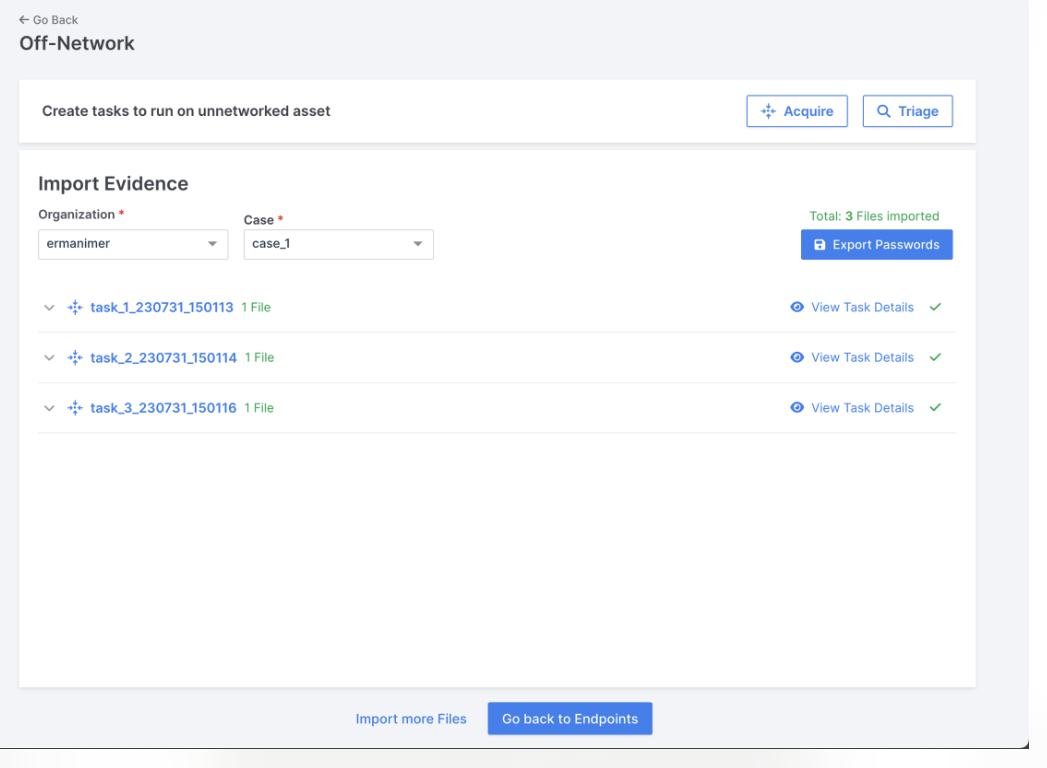
biunzip: Export passwords
5) View the exported passwords:
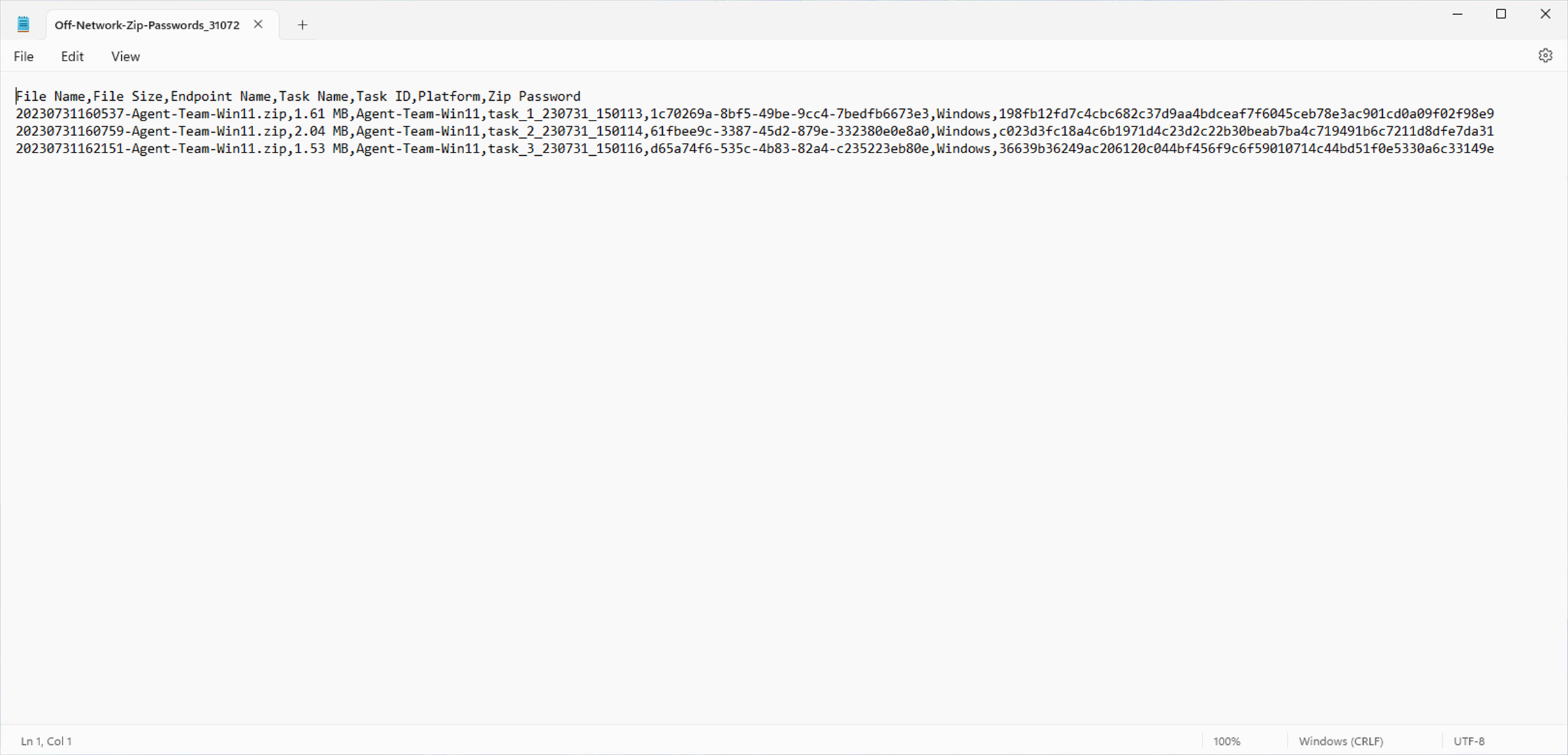
biunzip: View passwords
6) Run biunzip with the following flags and necessary flag values to unzip off-network files:
biunzip.exe --dir zip_dir_path --csv cvs_file_pathIn this example, zip_dir_path points “C:\Users\roadrunner\Desktop\offnetwork_files” directory, csv_file_path points “C:\Users\roadrunner\Desktop\Off-Network-Zip-Passwords_3107231801.csv“ file.
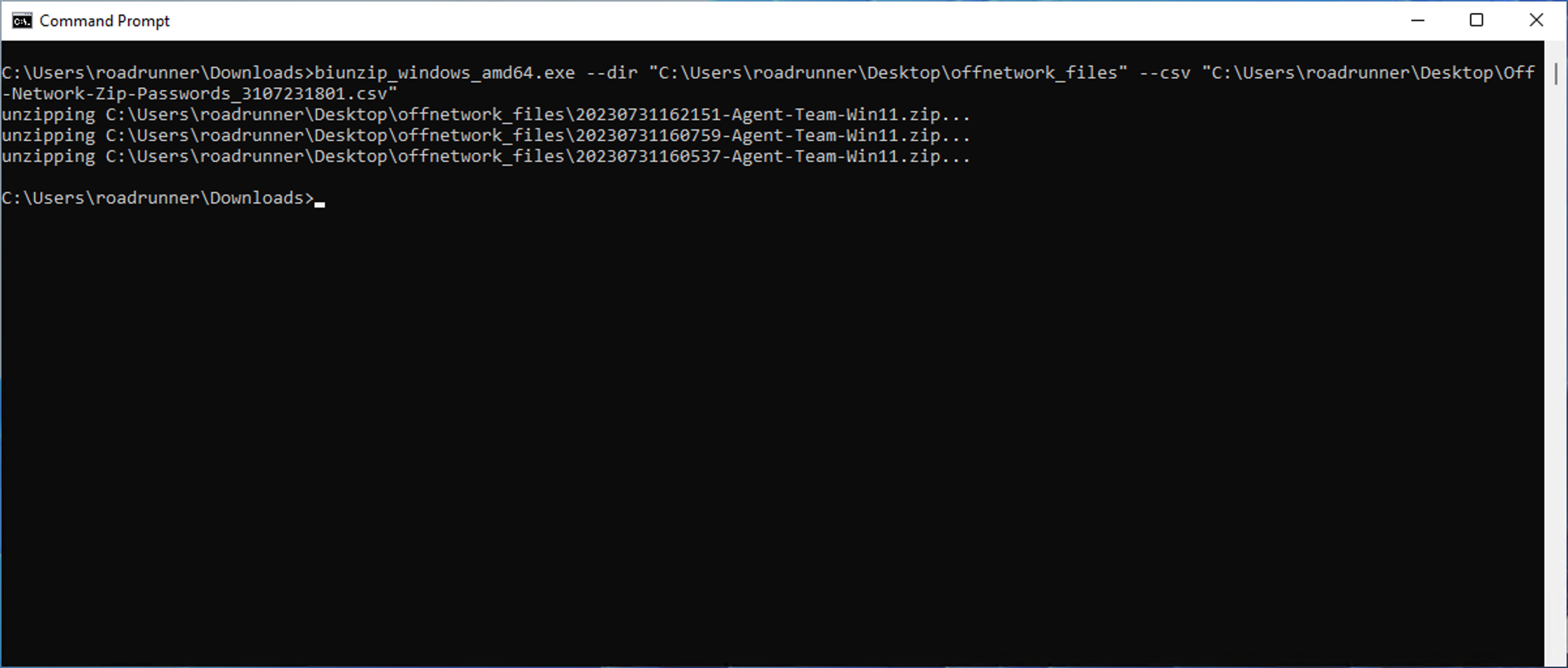
biunzip: CLI example
7) Here we see the unlocked zip files alongside the original locked files:
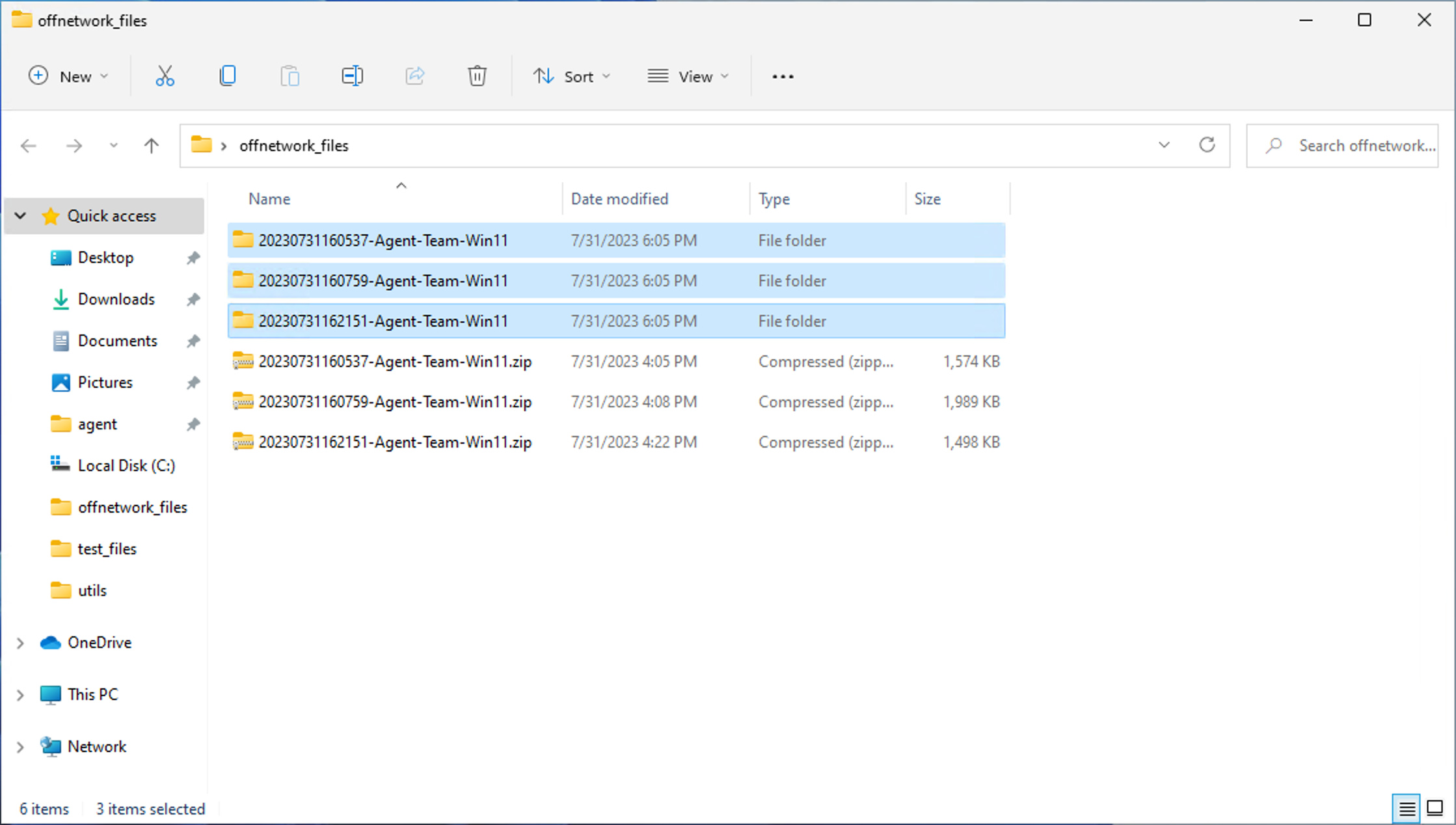
biunzip: Unlocked zip files alongside the original locked files